Tecsun PL-880 · Volume 3
Tecsun PL-880 — Vol 3: Memory & Setup
Premium shortwave portable with SSB + hidden firmware features
3.1 Programming workflow
The PL-880 has no official PC programming software and no documented serial interface for memory management. All channel programming is done on-radio via the front panel. The workflow is:
- Tune to the desired frequency via numeric keypad direct entry (press [Freq], type 9410, press [Freq] to confirm = 9.410 MHz) or rotary tune.
- Select mode (AM/USB/LSB), bandwidth, AGC if non-default.
- Long-press the memory-store key, select target memory page and number, confirm.
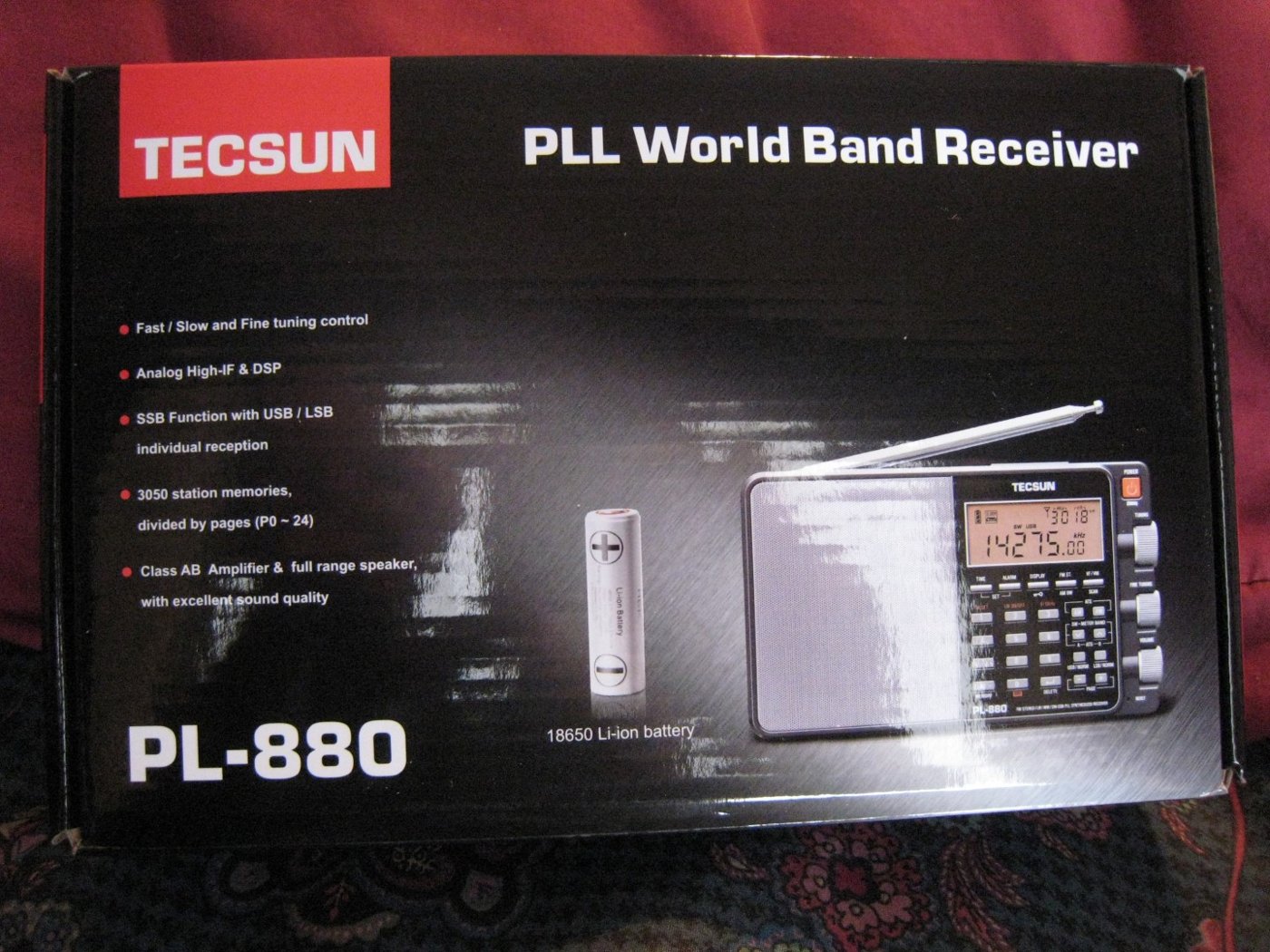
Repeat for each channel. There is no batch upload. This is the radio’s biggest workflow limitation versus a transceiver or a scanner — building a hundred presets by hand is a 30-45 minute task. The ATS / ETM functions partially compensate by auto-populating presets during a band scan, but the auto-stored channels have generic labels (just frequency, no station name) and the mode/bandwidth defaults are AM/wide which often needs per-channel tweaking afterward.
No PC software or user-installable firmware exists. No evidence was found of any PC tool (official or community) that reads or writes the PL-880’s memories over its USB port. Firmware can be changed only at the factory level: Tecsun Radios Australia (2018) states that the PL-880 “requires a specific programmer with a custom serial interface, and can only be performed by direct connection to the receiver”, and the programmer Tecsun supplied to Kaito in 2013 connected inside the radio, below the LCD, after the face plate was removed. Firmware 8820 (2013, with a silent 2015 revision under the same number) is the last; Tecsun Radios Australia: “no updates are planned”. The PL-880’s memory is on-radio-only, and manual entry is the cost of doing business. For the same reason the site’s download archive (https://radios.fubsypoly.com/downloads/) holds nothing for this radio.
Cross-reference to Vol 3 (Programming Software Landscape): the PL-880 is the gap in that landscape — every other RF device in the lineup (Yaesu VX-8DR via CHIRP, Baofeng F8HP via CHIRP, AnyTone D878UVII via vendor CPS, Uniden scanners via ProScan/Sentinel, hotspots via web UI) has a documented programming path. The PL-880 sits alone in the “front-panel only” column.
3.2 Codeplug backups
There is no codeplug. Memory presets live in the radio’s internal NVRAM (a small EEPROM section of the DSP chip’s memory map). Tecsun publishes no backup format and no export tool.
Backup strategy:
- Photograph the screen at each preset page after population. Five pages = five photos = recoverable in 30 minutes after a factory reset.
- Transcribe to a text file kept under version control. The format is trivial — page, slot, frequency, mode, bandwidth. A hand-edited Markdown table works well. One row per preset, sorted by page-and-slot, with optional notes (station name, schedule, language) for context.
- Avoid factory resets unless absolutely necessary. Hold [POWER] for 10+ seconds to trigger a soft reset (preserves memories); factory reset (a separate hidden combination, see §7) wipes everything.
Recovery from a wipe: re-enter every preset by hand from the photo or text-file backup. There is no faster path. This is the primary reason to keep the preset count manageable — three pages of 30 well-chosen presets is more recoverable than fifteen pages of half-remembered band-scan artifacts.
Comments (0)